
Put a Bag Tag on it
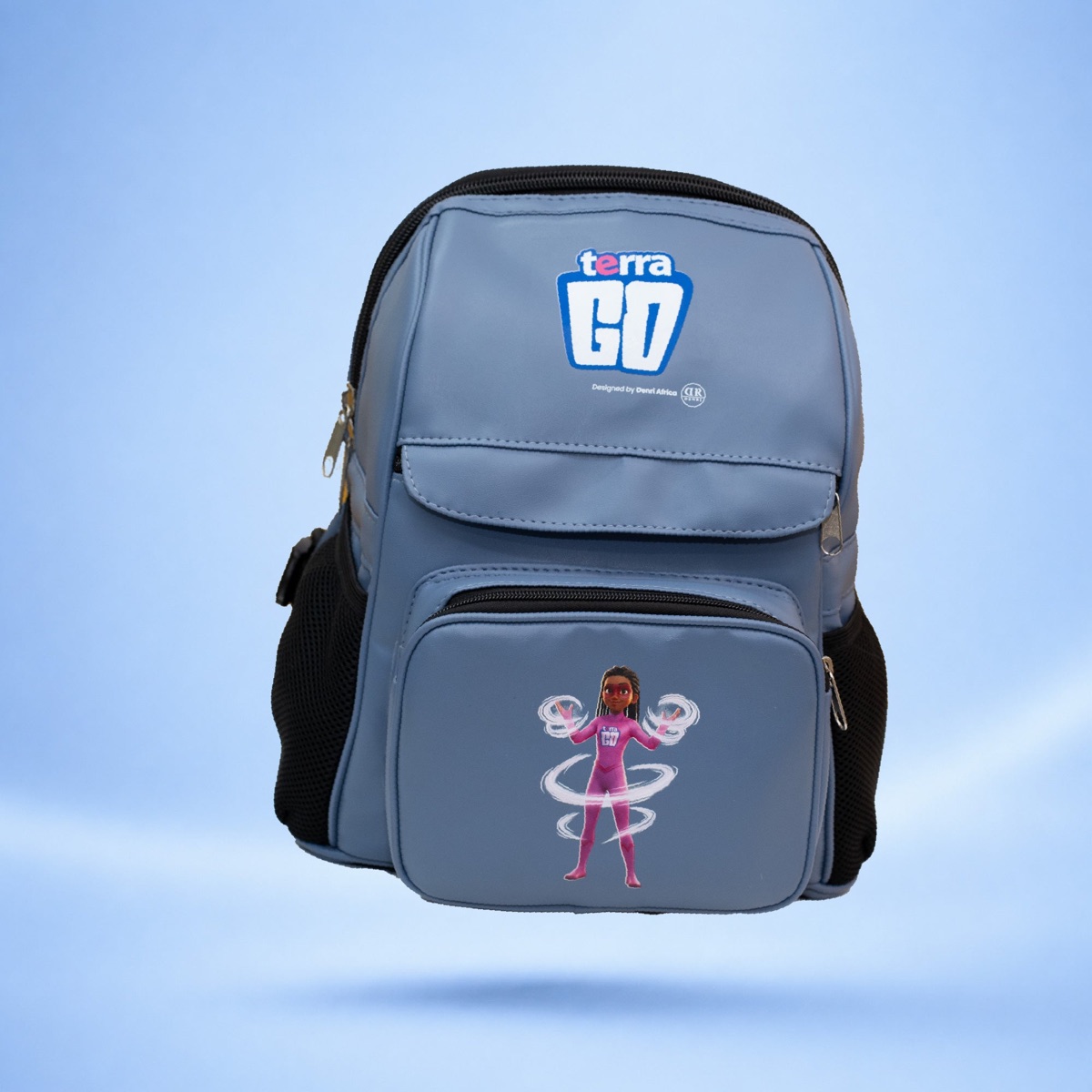
The Terra GO Bag Tag clips on any bag. The Smart Backpack has a hidden pocket that holds a Bag Tag, so it stays out of sight. The Bag Tag inside is what is found and what plays the sound.
Pair it in about 3 minutes
The Bag Tag works with Find My on iPhone and Find Hub on Android. Setting it up takes about 3 minutes, and you don't need a Terra GO school.
When the bag goes missing
- Open Find My or Find Hub and select the Bag Tag.
- See where it is, or where it was last seen if no phone is nearby.
- Get directions to it.
- Close by? Play a sound to find it under the seats or in a pile of bags.
Check with the school's lost property and the bus minder too. They may already have it.
Share it with the family
Find My shares an item with up to 5 people (iOS 17 or later). Find Hub shares with up to 10 (Android 9 or later). So a parent, a grandparent or the family driver can look too.
Simple habits that help
- Write your child's name and the school's name inside the bag.
- Check the bag comes home on club and trip days, when routines change.
- Teach your child to keep the bag with them on the bus.